KIRIN OS / LISTENING
Same moment.
Different takes.
Compare versions, check what you can hear, and keep your listening decision.
LISTENING
Version & Listening
Compare Kirin OS versions, distinguish A/B from ABX blind testing, and use Listening Mode for focused playback.
01 / PREPARE
Versions, not
loose files
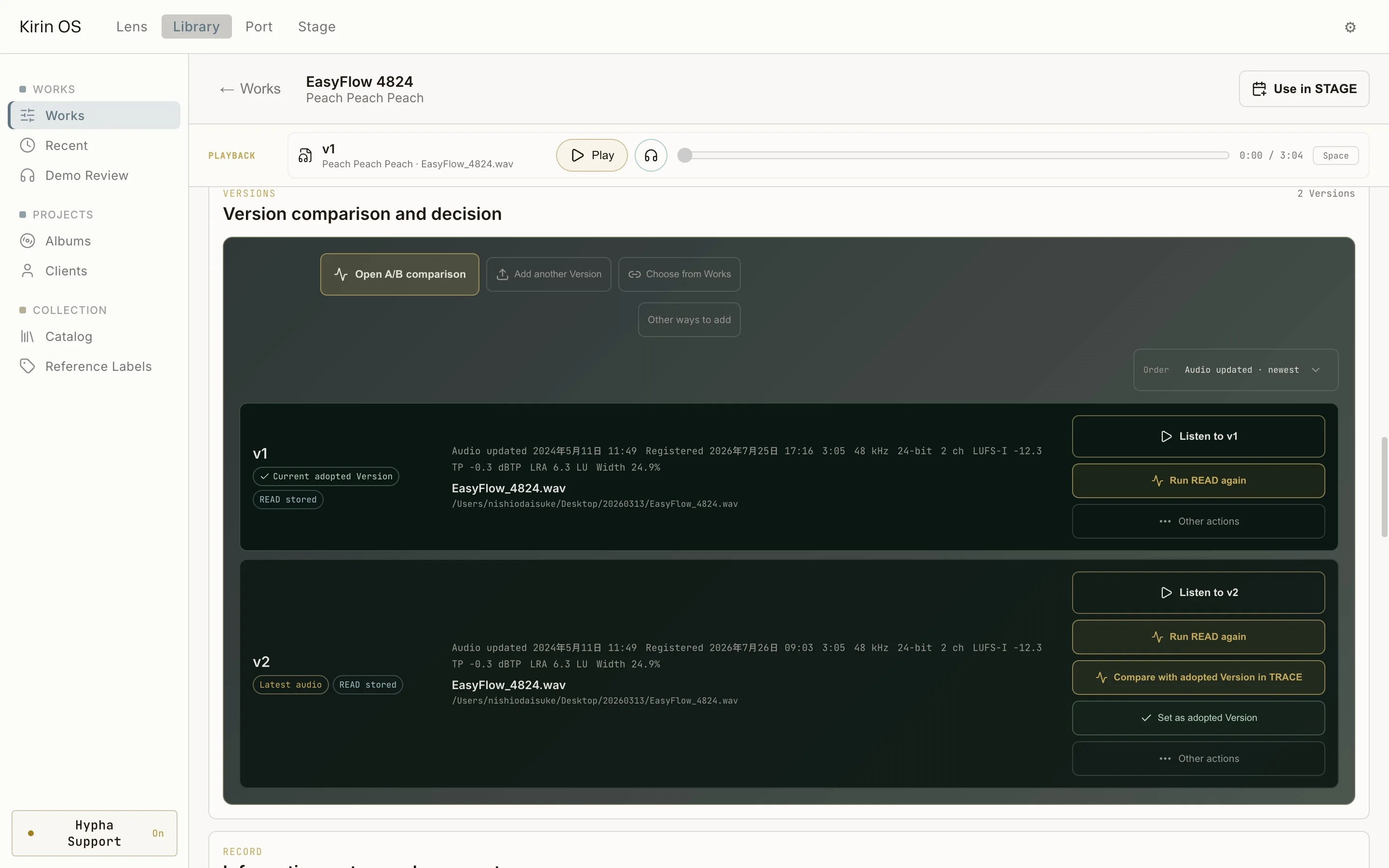
Add different mixes or masters as Versions of the same Work. Keep the file, measurement result and notes with each version so you can return to the reason for a choice.
Open A/B comparison and listen again at the same passage. Compare loudness and True Peak alongside what you hear. Loudness matching helps separate a level difference from another change, but it does not change your original files.
02 / LISTEN
Can you hear
the difference?
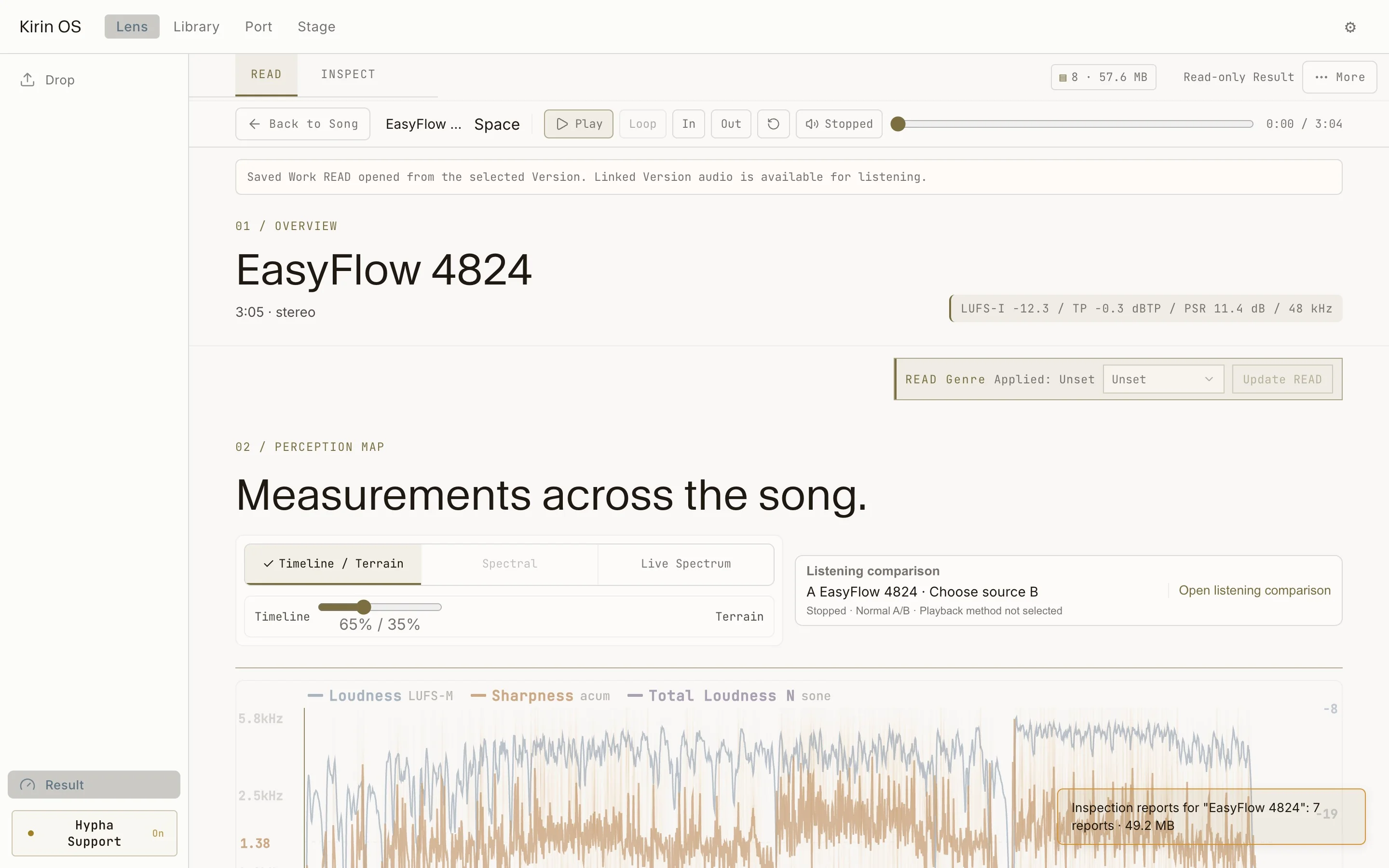
Normal A/B shows the source identity. Blind Compare hides the names while you listen, then lets you reveal them. Neither automatically identifies a “better” version.
ABX in READ assigns X randomly to A or B. Guess which it is and review the correct-answer count and statistical result. It tests identification under those conditions, not preference or overall quality.
Names visible
Find and describe a change at the same passage.
Names hidden
Listen first, reveal the identities afterwards.
Identify X
Choose whether the randomized X is A or B.
03 / KEEP
Return to
the music
After comparing, keep your decision and listening record with the version. Measurements describe what changed; your listening decision determines which version you adopt.
Listening Mode is a separate focused playback screen. From a Work, it opens that Work’s chosen listening source only. It is not ABX, and the production list does not become a playback queue.
What a listening test can tell you
Keep the sources, passage, gain setting and playback conditions consistent. A single result is evidence about that test, not proof of a universal quality difference. Blind Compare and ABX are different tests; Listening Mode is for playback, not judging a winner.