KIRIN OS × HYPHA
Reference.
In context.
Prepare reference tracks in Kirin OS. Audition them beside your DAW session in Hypha.
REFERENCE
Reference
How Kirin OS Reference sets, Cue measurements and Hypha reference audition work, with license and file-sharing conditions.
01 / PREPARE
Choose your
reference
Add audio files you own to a B set in Kirin OS Reference. Rank the tracks in the order you want to use them in Hypha.
CHECK (C) keeps the points you want to verify, with up to six items per set. It is separate from the B reference-track list.
Your own tracks
Choose and rank the tracks you want to compare against.
What to check
Keep listening questions beside the reference set.
Take the set to your DAW
Prepare the set before starting reference audition.
02 / LISTEN
Compare the
right passage
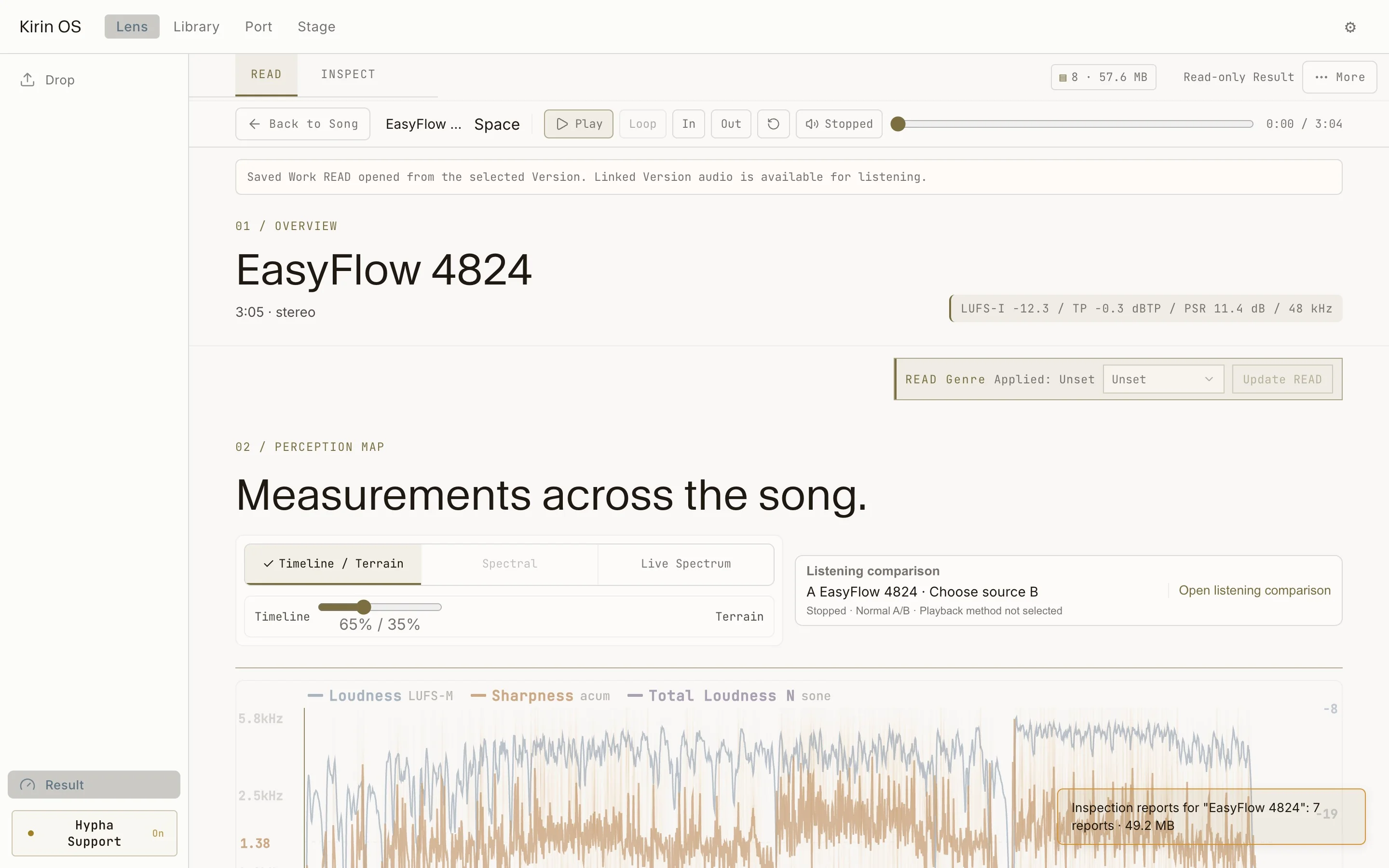
Set a Cue for the passage you want to hear. Kirin OS shows LUFS, True Peak, Spectrum and Balance for that Cue, so a quiet intro does not stand in for a loud chorus.
You can choose a chorus candidate as the Cue. Without a Cue, Kirin OS uses a chorus candidate, or the loudest 30 seconds if no candidate is found. These are candidates, not a guaranteed song-structure interpretation.
03 / KEEP
Listen in
your session
Use Hypha Reference audition to switch intentionally between your DAW signal (A) and the prepared reference (B). Compare the selected reference passage with your DAW signal to hear differences in low-end balance, vocal level and dynamics.
Reference audition requires a valid Kirin OS license. Free Watch measurement and local PRE / POST Blind Compare remain separate: neither requires Kirin OS.
Your DAW signal
Listen to the track you are working on.
Prepared reference
Switch to the selected reference passage.
Decide with your ears
Measurements help describe a difference; they do not choose the better mix.
License, sharing and compatibility
Sharing a B set sends reference information, not audio. The recipient matches it to tracks they own. Do not send audio without permission.
Unmeasured audio passes through MEASURE before returning to the set. The published Hypha 1.1.50 Reference and Version formats are retained; rank, Cue and preparation-reason fields require a Hypha version that supports them.
Check current downloads →