KIRIN OS / STAGE
Your song.
On stage.
Choose the performance version. Prepare lyrics and chords. Take the PDF to your iPad.
STAGE
From Work to STAGE
Prepare a Kirin OS song sheet, choose a show version, and transfer a PDF to an iPad over the same Wi-Fi.
01 / PREPARE
Prepare your
song sheet
Write lyrics, chords and repeats in the Kirin OS bar-based song sheet, or import a ChordPro file. Save it with the Work so the performance notes belong to the same track.
Analysis candidates for tempo, meter, key and chords are still under quality verification and are not adopted automatically. The HP Drop experience does not generate a chord chart or lyrics.
ILLUSTRATION / MANUALLY ENTERED
Night Lines
VERSE / 4 bars / 4⁄4
Original illustrative lyrics and chords. This demonstrates the information you enter, not automatic analysis.
02 / LISTEN
Choose the
show version
Choose the saved Work and the song-sheet version for your show. Keep a fixed performance snapshot, separate from later production edits.
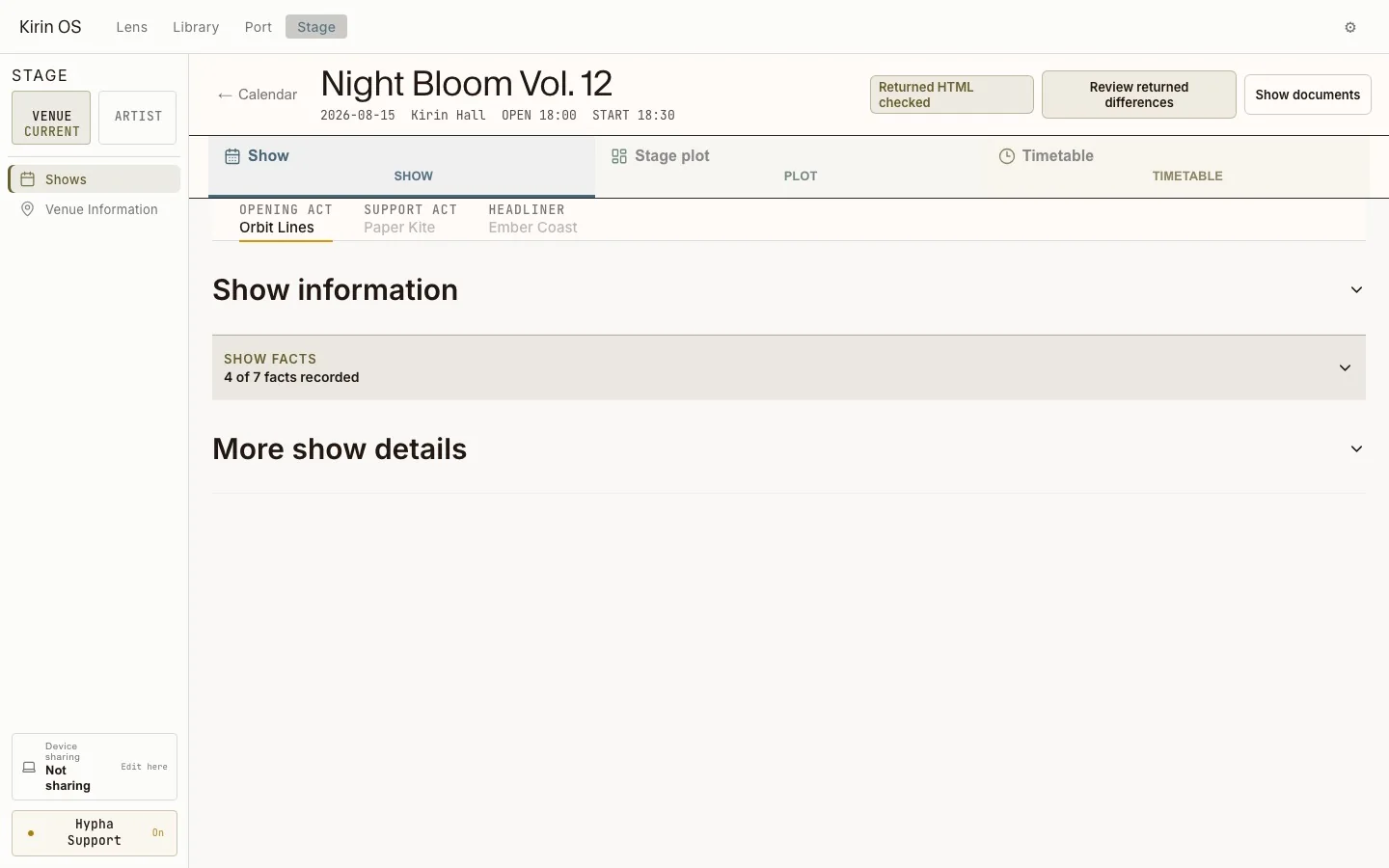
STAGE keeps the show, plot and timetable together. The song sheet supplies the performance information; audio measurements do not determine the lyrics or the right chords.
03 / KEEP
Take it to
your iPad
Export the song sheet as a standard or compact PDF. With your computer and iPad on the same Wi-Fi, use “Send to phone or iPad” and scan the one-time QR code to receive it.
Save the PDF on the iPad and use that file during the performance. Receipt is a one-time transfer: later edits are not synchronized. A saved PDF can also be passed through another file-sharing method.
Export the sheet
Choose standard or compact layout.
Receive once
Scan with one device on the same network.
Save and perform
Use the saved file, without further synchronization.
PDF transfer and connected LIVE sharing are different
A PDF is a fixed document, not a live-following screen. Connected STAGE viewer sharing separately requires the parent computer, the same venue LAN and the appropriate viewing permission. An older QR does not automatically grant a new LIVE session.