With one audio file, measurement starts without another action. A Hypha PRE / POST record opens in TRACE. With two or more audio files, choose MASKING for a selected pair, or organize the files in Works or Catalog.
KIRIN OS
Measure.
Return.
Audio measurement, version comparison, production records.
Kirin OS is a desktop app for audio measurement, version comparison, and production records. Audio, exported measurement records, and received Stage documents all enter through one Drop. Measurements and related files stay together by Work, ready for comparison, review, and delivery records.
One purchase
No account
No server
macOS / Windows
Up to 3 devices
Already have a license? Get the latest installer from the Download Center. For Lemon Squeezy purchases, find your receipt and license information in Lemon Squeezy My Orders. For direct purchases in JPY, refer to your purchase email.
Kirin OS / BROWSER EXPERIENCE
Try it with your own track
Drop a WAV up to five minutes long to see its waveform, LUFS loudness, maximum True Peak, and psychoacoustic measurements such as Sharpness. Select a time where a value changes and listen to the same moment. Audio stays on your device: no uploads, storage, or autoplay.
An early experience for Chrome on desktop. Not yet tested in Safari or on an iPhone.
14-day free evaluation
Use every Kirin OS feature for 14 days
The 14-day period starts when the evaluation license is first activated. No payment information, subscription, or automatic billing is required.
- macOS and Windows
- Up to 3 devices
- Work and measurement records remain on your device
- Activating a permanent license preserves your saved Work and measurement records
Start the 14-day evaluation
$0 checkout. Your license key and downloads are issued after completion.
One entrance
Audio, records,
show documents.
Everything starts at Drop
Drop reads the file first. When there is a choice—such as with two or more audio files—it asks how you want to use them.
Open an exported measurement record to view its values without the original audio file. Share the measurements without sending the audio.
The show name, venue, and date are read out of what arrives. If it matches a show you already have, that show is offered.
Whether it is unchanged since it was sent, checked on the spot. It does not confirm who sent it.
Drop
Drop audio to measure whole-track and time-varying loudness, maximum peaks, and psychoacoustic features such as sharpness. LUFS describes loudness, True Peak includes peaks between samples, and Sharpness describes measured sharpness.
Listen
Listen where a measurement changes. In Version, switch between mixes or masters at the same playback position. Open Hypha PRE / POST records in TRACE to compare before-and-after measurements on one time axis.
Store
Save a song you are producing in Works and keep each mix or master as a Version. Associate its audio with its measurements and write down decisions from your comparison. Return later to see which version you measured and what you changed.
Kirin OS is a macOS and Windows desktop app for recording measurements with each song.
READ
Inspect loudness, True Peak, phase, stereo width, and dynamics across the whole song.
WORKS
Tracks, Versions, measurement records, notes, and related files stay together by Work.
Reading the measurements
See the values. Check the same moment by ear
Hypha
Free Watch mode shows LUFS-M/S, True Peak, Crest, and PRE / POST differences during DAW playback. Keep / Record requires a valid Kirin OS license.
READ
See song-level loudness, True Peak, phase, width, dynamics, and their movement across the track.
MASKING
Choose two audio files and see their measured overlap across time and frequency bands. After setting a range, you can record a decision to leave it as is; the measurement and audio do not change.
TRACE
Review PRE and POST values, differences, and band displays while listening.
KIRIN OS / BEYOND MEASUREMENT
What comes
after measurement
Measurements describe an audio version. Keep that identity when you compare, share, and prepare to perform. Lyrics and chords are prepared separately; loudness measurements do not generate them.
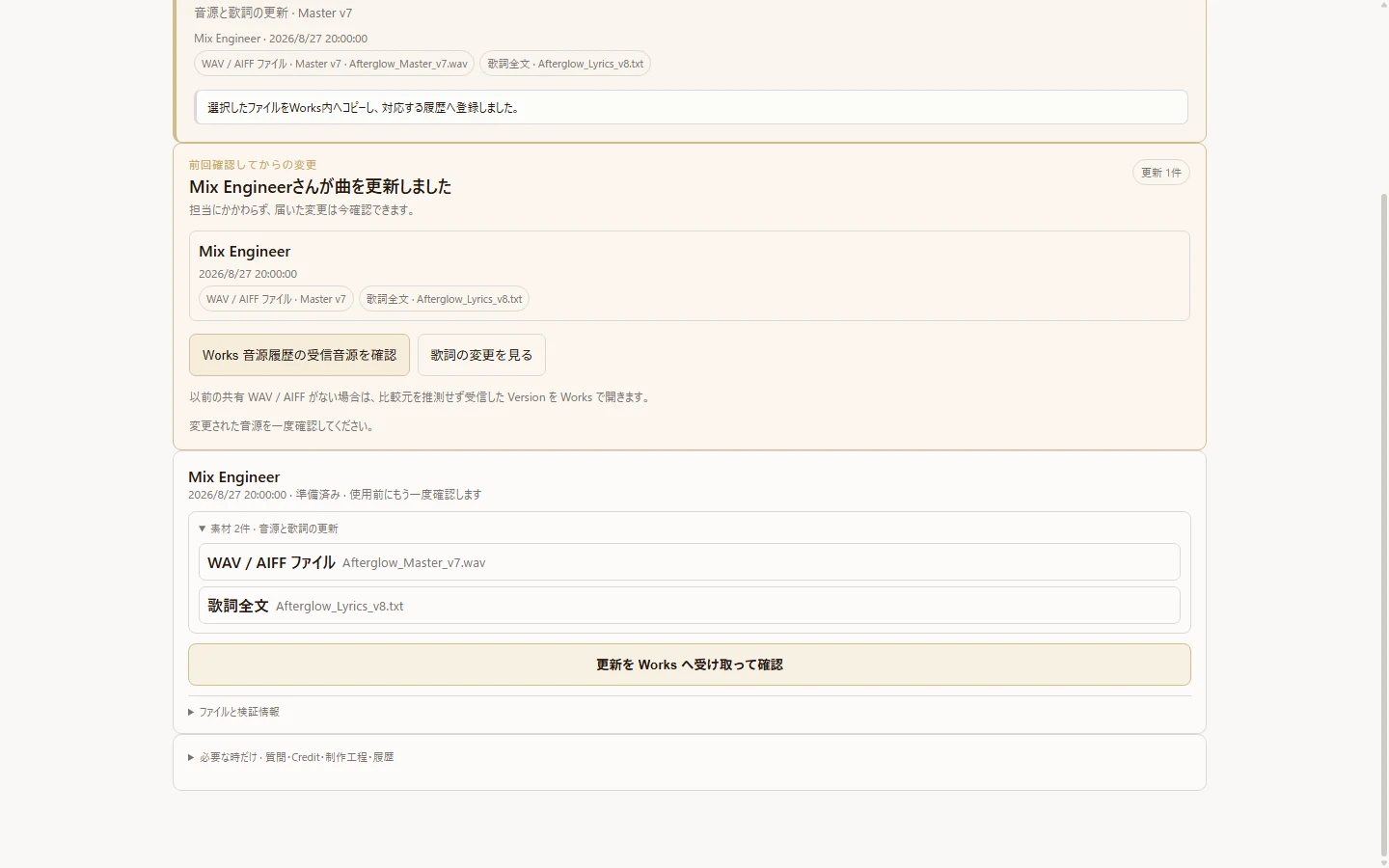
Collaboration
Share audio versions, receive comments at playback positions, and keep review and adoption decisions with the track.
Open →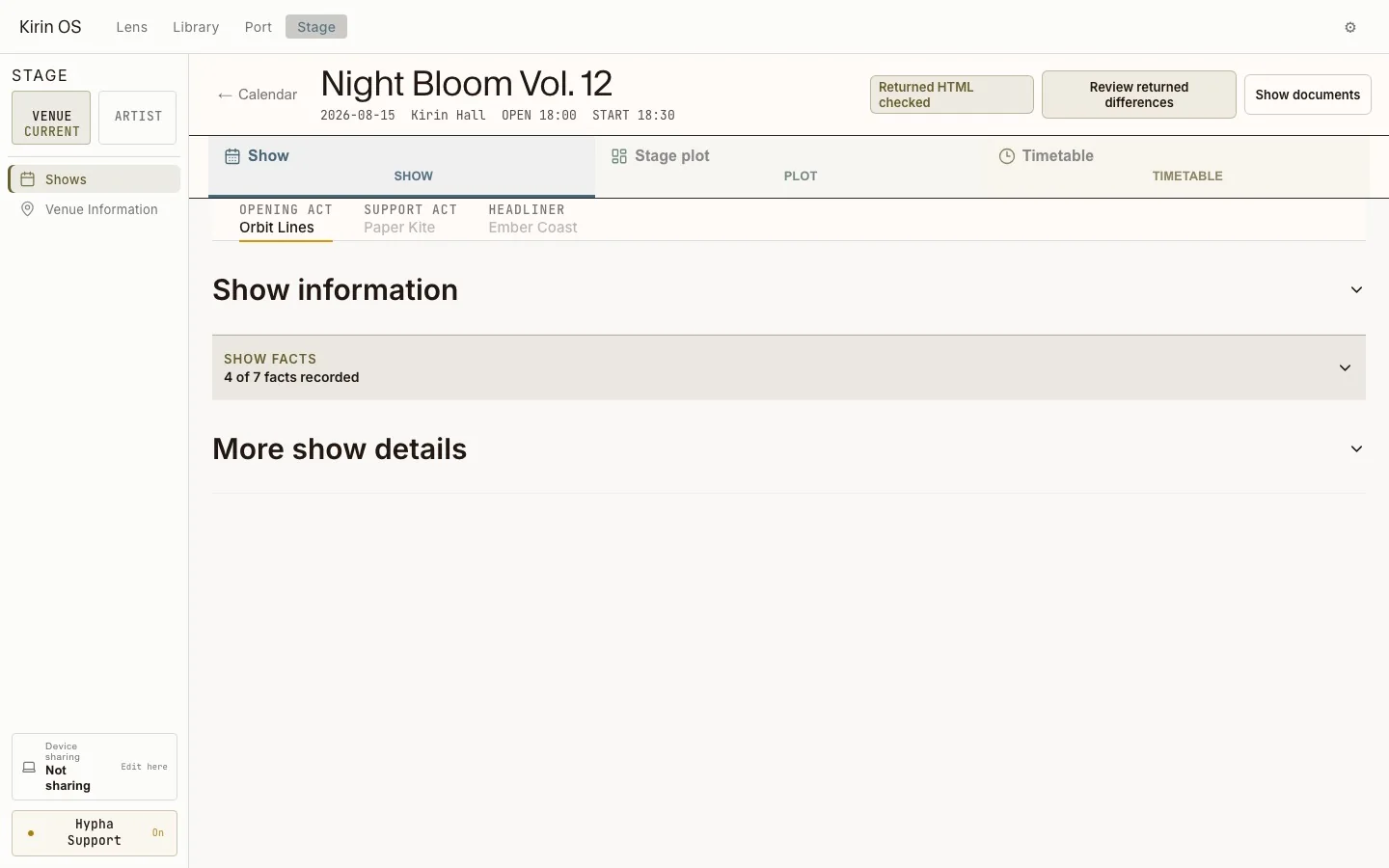
From Work to STAGE
Prepare lyrics and chords in a song sheet, choose the show version, and transfer a PDF to an iPad with a QR code.
Open →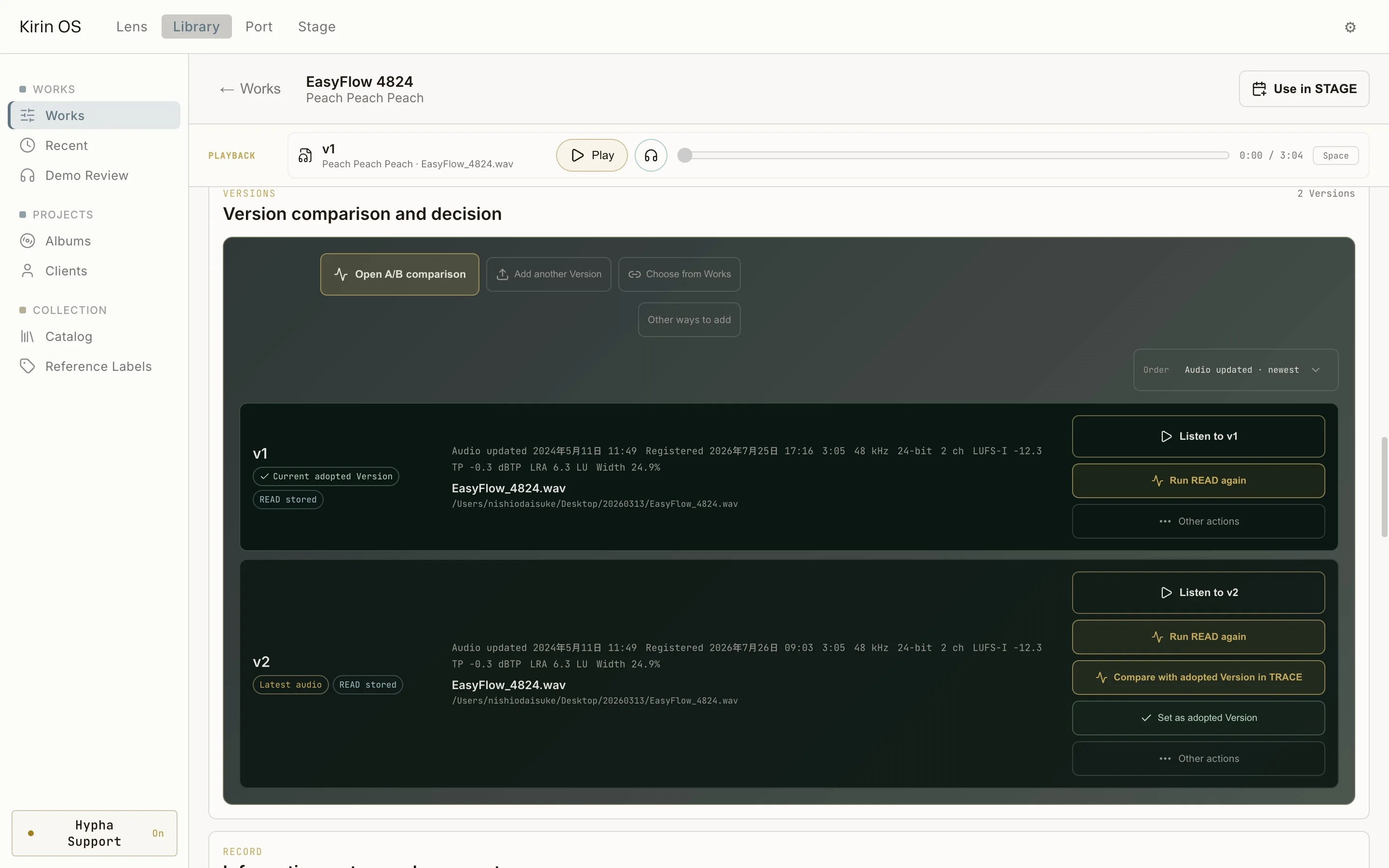
Version & Listening
Keep mixes and masters as versions of one Work. Use A/B, Blind Compare, ABX and Listening Mode for different listening purposes.
Open →Operation examples captured in August–September 2026. The current white-stone appearance differs. Each page explains the feature and its conditions.
KIRIN OS / JOURNEY
Follow
one song
Explore the 15 chapters of a track’s life in Kirin OS: from Drop and measurement to versions, collaboration and performance preparation.
Open Journey →
Product roles
Start with the record you need
Hypha measures audio in the DAW. Sense measures an audio file on its own. Kirin OS stores the measurements, related files, and production notes in each Work.
| Product | Starts with | Record scope | Use when | Price |
|---|---|---|---|---|
| Hypha | A signal playing inside your DAW | Live PRE / POST measurement view. Keep / Record and Reference comparison require a valid Kirin OS license. | You want to observe a chain while audio plays | Free |
| Kirin Sense | One audio file | A standalone measurement record for that file | You want the measurements for one audio file right away | $39 |
| Kirin OS | A Work, its audio, Versions, and records | Measurements, related files, and delivery notes kept together | You need to return to records across comparison, review, and handoff | $297 |
Already own Kirin Sense?
After purchase verification, Sense owners can request a one-time upgrade code for $258.
Pricing / Download
One-time purchase. No subscription
Hypha
Free
Free PRE / POST Watch measurements and local Blind Compare. Keep / Record and Reference comparison require a valid Kirin OS license.
Get HyphaKirin Sense
$39
Standalone measurement records for audio files.
Buy SenseKirin OS
$297
Full workflow for measurement, comparison, related files, and delivery records in music production.
Sense Owner Upgrade
$258
Issued after verifying the email address and order number used to purchase Kirin Sense.
Download & Support
Compatibility and support
macOS
Compatible with Apple Silicon and Intel Macs running macOS 12 or later.
Windows
A signed Windows version is available for Windows 10 / 11 (x64). With a compatible ASIO driver, Kirin OS can play PCM and Native DSD directly on Windows.
ASIO is a trademark of Steinberg Media Technologies GmbH, registered in Europe and other countries.
After purchase
Download the current macOS or Windows installer directly from this website. Your existing Kirin OS license remains valid. If you have trouble installing or launching Kirin OS, contact us within 14 days of purchase.